Recovery Guide
If a Gatekeeper has gone to absent state because of hardware failure, it can be restored using a fresh Gatekeeper box.
-
Power on a fresh gatekeeper box, configure the WAN interface to reach the platform, and register it.
-
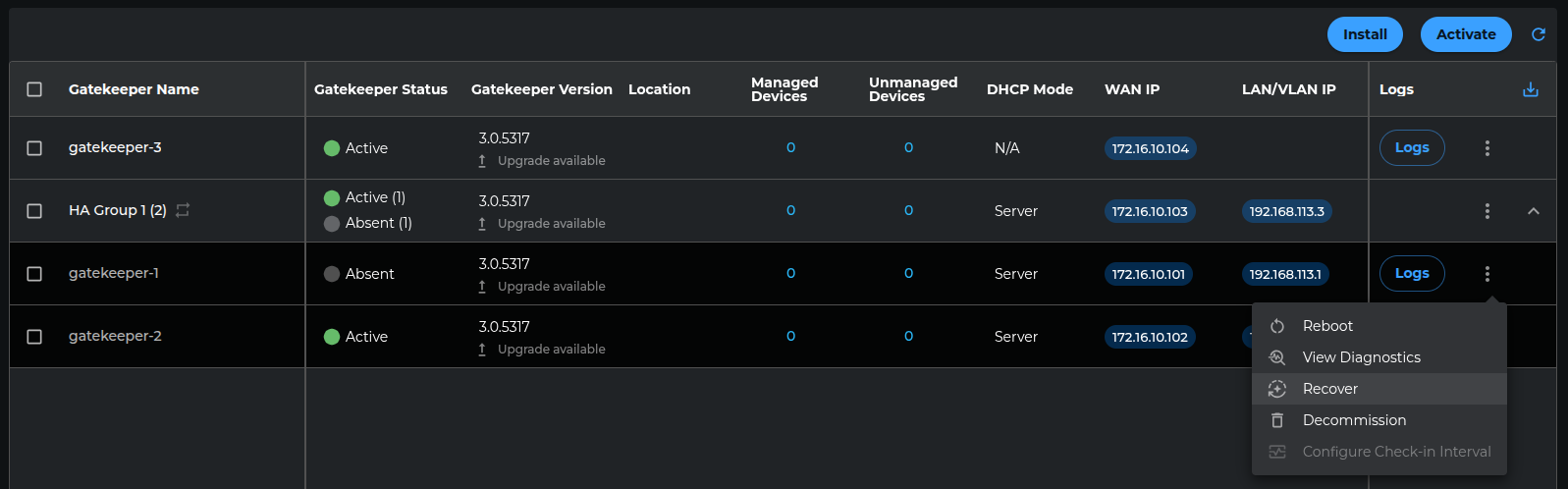
In the platform UI, go to Gatekeepers page, on the absent appliance’s row, click the three‑dot menu > Recover.
-
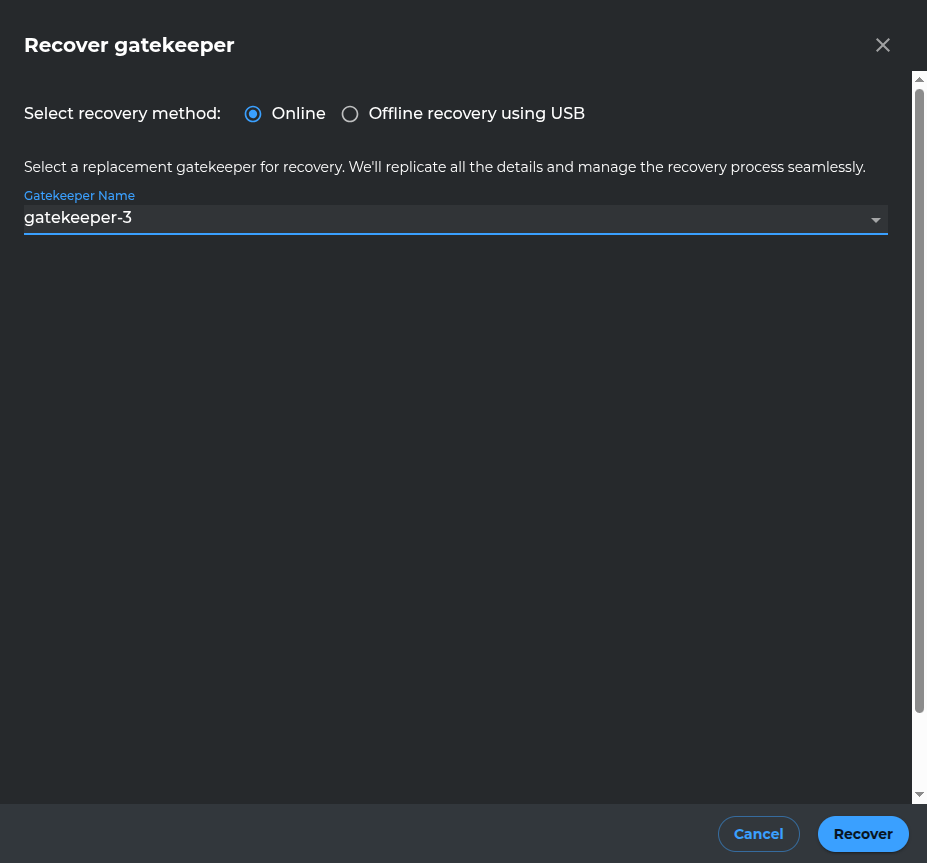
Set the Recovery method to Online, then choose the newly registered gatekeeper from the dropdown.
-
Click on the Recover button at the bottom-right.
-
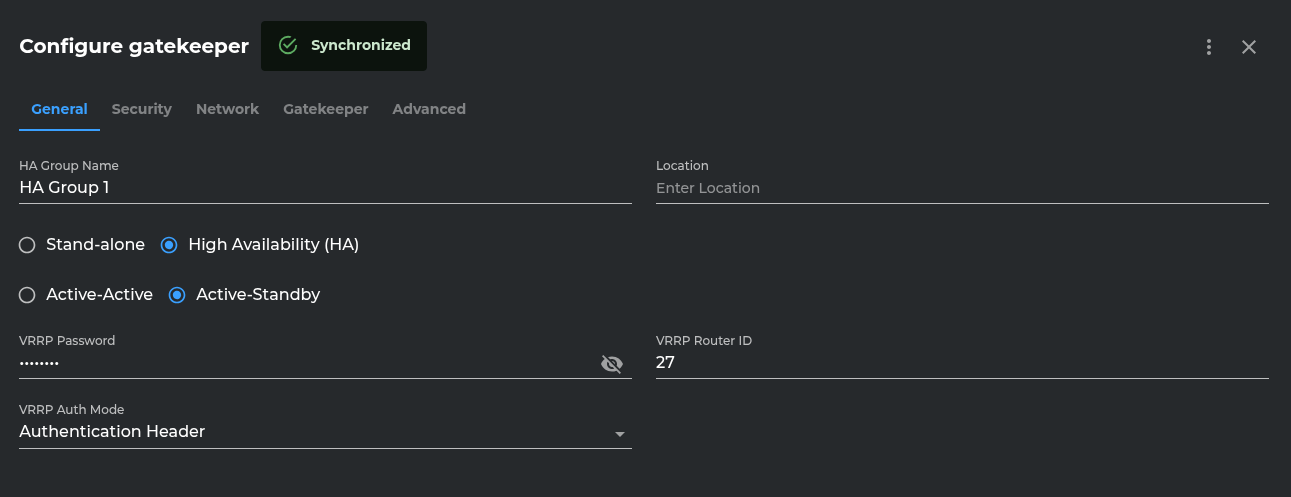
Allow 4–5 minutes for the process to complete. After completion the absent Gatekeeper will appear Active in Gatekeepers page, and its Configuration page will show status as “synchronized.”